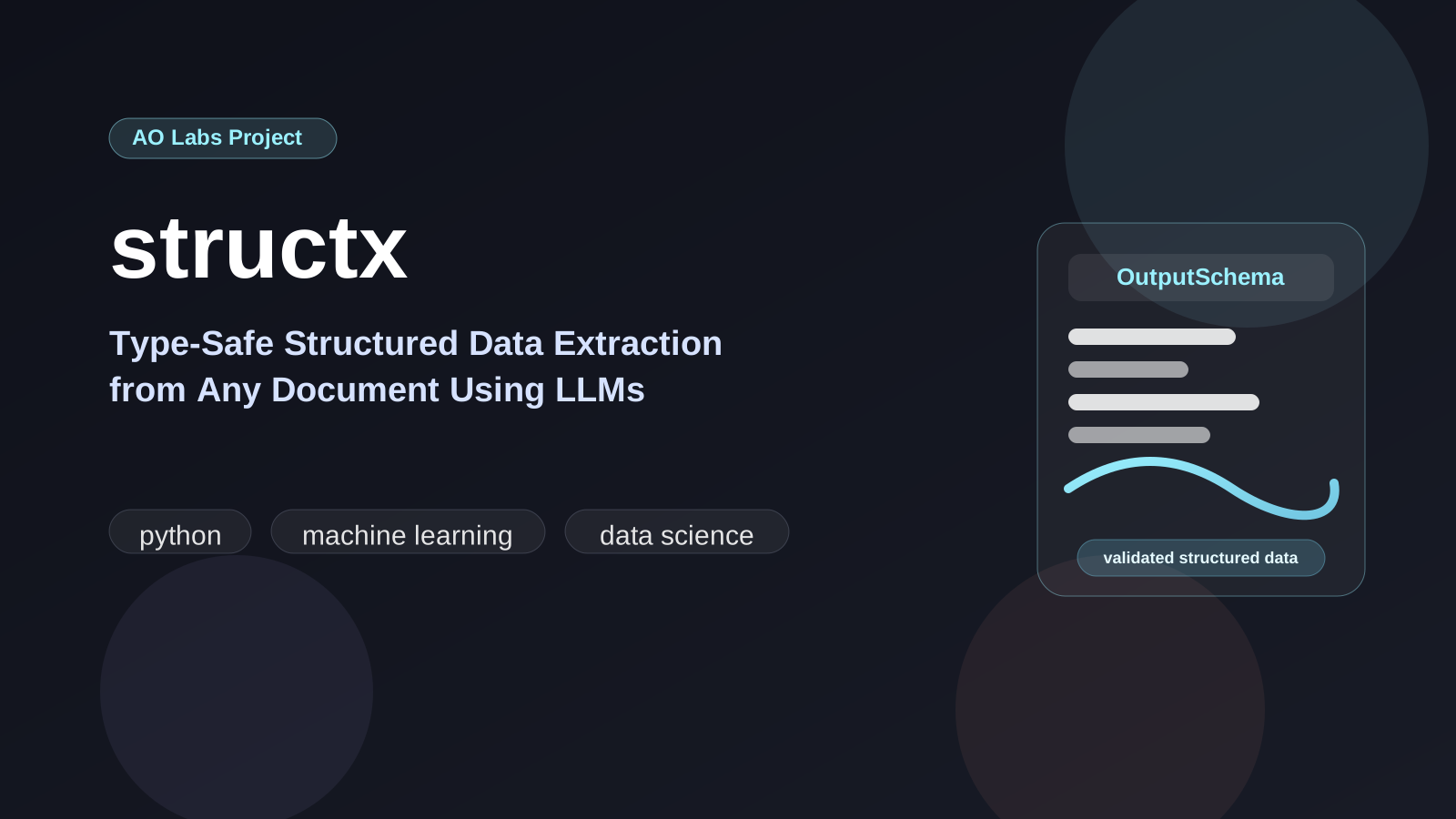
Extraction of structured data from unstructured documents is one of those problems that sounds simple until you actually try to solve it reliably. A PDF invoice, a Word contract, a plain-text log, a CSV dump — they all need different handling, and the moment you start stitching together custom parsers you are already losing. structx is my attempt at a general solution: a Python library that turns any document or free text into type-validated, schema-aligned Python objects using LLMs.
What I like about this problem space is that the difficulty is never just “get a model to answer a question.” The hard part is building a repeatable extraction path across messy inputs while keeping the output typed enough to plug into real systems. That is what structx is for.
The Core Idea
The library sits at the intersection of three things that work very well together:
- Instructor — for structured LLM output using Pydantic models as the schema contract
- LiteLLM — for routing to any OpenAI-compatible API (GPT, Claude, local Ollama, etc.)
- A multimodal PDF pipeline — the “secret sauce” that converts documents to PDF and sends them to vision-capable models rather than trying to extract and chunk text
The key insight behind the multimodal approach is that vision models understand layout. Tables, multi-column formats, headers, footers, and footnotes all survive intact when you hand a model a rendered page image rather than a soup of extracted text.
That design choice is the center of the project. Most document extraction tools start from raw text and then try to reconstruct context. structx keeps the layout intact as long as possible, which is usually the right tradeoff for documents like invoices, contracts, forms, and reports.
Package Rename
The PyPI package was renamed from structx-llm to structx.
- imports stay the same:
import structx - extras stay the same:
structx[docs],structx[pdf],structx[docx] - existing environments just need the distribution name updated
For older environments, the migration is:
pip uninstall -y structx-llmpip install -U structxInstallation
# Core packagepip install structx# Full document support (PDF, DOCX, all formats)pip install structx[docs]The extras are worth calling out explicitly:
# PDF-specific multimodal processingpip install structx[pdf]# Advanced DOCX conversion through doclingpip install structx[docx]What each extra provides
structx[docs]enables the full multimodal document pipelinestructx[pdf]focuses on PDF processing and vision-based extractionstructx[docx]adds advanced DOCX conversion while preserving structure
Quick Start
from structx import Extractorextractor = Extractor.from_litellm( model="gpt-4o", api_key="your-api-key", max_retries=3, min_wait=1, max_wait=10,)# Extract from plain textresult = extractor.extract( data="System check on 2024-01-15 detected high CPU usage (92%) on server-01.", query="extract incident date and details")print(result.data[0].model_dump_json(indent=2))For documents the API is identical — just pass a file path:
# PDF invoice — processed with vision, no text extraction neededresult = extractor.extract( data="invoices/Q1-2025.pdf", query="extract invoice number, total amount, and line items")# DOCX contract — auto-converted to PDF before multimodal processingresult = extractor.extract( data="contracts/consulting-agreement.docx", query="extract parties, effective date, and payment terms")The nice part of the API is that the extraction surface stays consistent while the input type changes. Whether the input is plain text, a PDF, or a DOCX file, the call shape is the same and the output is still a typed result object.
Supported File Formats
Structured data inputs
These are processed directly rather than routed through the multimodal pipeline:
- CSV
- Excel (
.xlsx,.xls) - JSON
- Parquet
- Feather
Unstructured documents
| Format | Extensions | Processing method |
|---|---|---|
.pdf |
direct multimodal processing | |
| Word | .docx, .doc |
Docling → Markdown → PDF → multimodal |
| Text-like files | .txt, .md, .py, .log, .xml, .html |
styled PDF → multimodal |
Processing Modes
structx supports a few different operating modes depending on the input and the environment:
- Multimodal PDF: best quality, preserves document layout and context
- Simple Text: fallback mode for memory-constrained setups or when a pure text path is good enough
- Simple PDF: basic PDF text extraction without the full vision pipeline
Why Multimodal Over Text Extraction?
Traditional text extraction pipelines break in predictable ways:
- Chunking splits related information across boundaries
- Table extraction misses merged cells and nested structures
- Column layouts collapse into a single jumbled sequence
- Footnotes and headers end up inline with body text
The multimodal pipeline sidesteps all of this. The document is rendered at full fidelity and the model reads it the same way a human would. Accuracy on complex documents (invoices, contracts, forms with tables) is meaningfully higher.
That gives you a few concrete benefits:
- better context preservation
- higher accuracy on tables and visually structured content
- fewer chunk-boundary failures
- one universal path for many document types after conversion to PDF
Token Usage Tracking
In production you want visibility into LLM costs. structx exposes per-step token usage:
usage = result.get_token_usage()print(f"Total tokens: {usage.total_tokens}")print(f"By step: {[(s.name, s.tokens) for s in usage.steps]}")This is important in production settings. If extraction is part of a larger data pipeline, token tracking lets you reason about quality and cost at the same time instead of treating the model as a black box.
Dynamic Model Generation
You do not always know the schema upfront. structx can generate a Pydantic model from a natural language query and then refine it through conversation:
result = extractor.extract( data="some_log.txt", query="extract all error events with timestamps and severity")# result.model is the auto-generated Pydantic class — inspect or reuse itThat is useful when the schema is not known up front. You can start with a natural-language query, inspect the inferred model, and then refine the result iteratively rather than designing the full schema before the first extraction.
Configuration
All LLM parameters are configurable: model, temperature, API base URL, system message, retry settings, and HTML cleaning options. The full configuration reference is at structx.aolabs.dev.
The library also supports retry behavior, async processing, and multiple LLM providers through LiteLLM, which makes it easier to move between local experiments and production deployments without rewriting the extraction code.
Use Cases
This comes up constantly in ML engineering:
- ETL pipelines — normalize unstructured vendor data into typed records
- Document intelligence — extract fields from contracts, invoices, and forms at scale
- Log analysis — parse and structure free-text log output
- Research — pull structured data out of papers, reports, and PDFs
- Data cleaning — resolve inconsistencies in text columns with schema enforcement
It is especially useful where the input surface is broad but the output contract needs to stay strict. That shows up a lot in ML engineering, internal tools, and data ingestion systems where people still exchange information through PDFs, spreadsheets, and loosely structured text.
The library is available on
PyPI as structx and full documentation
lives at structx.aolabs.dev.