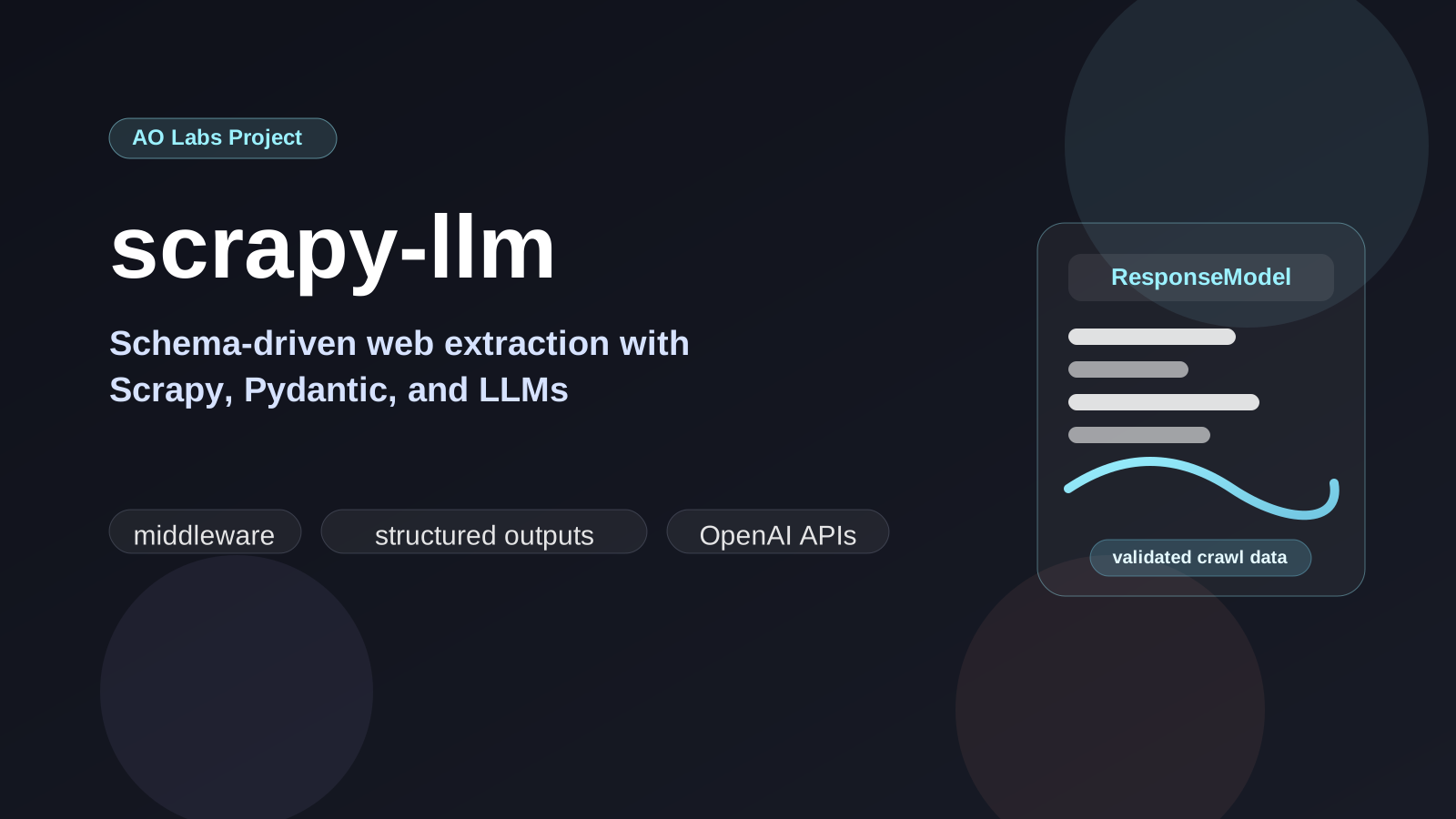
Writing Scrapy spiders the traditional way means writing selectors. CSS selectors that break when a site redesigns its markup, XPath expressions that silently return empty lists, and fragile parsing logic that lives for exactly as long as the site’s DOM schema stays stable. scrapy-llm takes a different approach: define the schema for the data you want as a Pydantic model and let the LLM handle extraction entirely.
The pitch is not that selectors are always bad. It is that there is a whole
class of scraping problems where selectors are the wrong level of abstraction.
If the real task is “extract the contact information from this page,” or
“recover the pricing plan data from pages with different layouts,” then you do
not actually care about div:nth-child(4) > span. You care about a typed result
that survives template drift.
How It Works
The package plugs in as a standard Scrapy downloader middleware. After each response is downloaded, the middleware:
- Cleans the HTML (strips scripts, styles, boilerplate)
- Sends the cleaned text to any OpenAI-compatible LLM API
- Instructs the model to populate your Pydantic response model
- Validates the output against the schema
- Attaches the extracted data to
response.request.meta
Your spider then just reads from meta — zero parsing code required.
That last point is the key design choice. The spider still owns crawl logic, queueing, pagination, and request orchestration. The middleware owns extraction. That separation keeps the package aligned with how Scrapy is already meant to be used.
Installation
pip install scrapy-llmSetup
# settings.pyLLM_RESPONSE_MODEL = 'scraper.models.ResponseModel' # dotted path to your Pydantic modelDOWNLOADER_MIDDLEWARES = { 'scrapy_llm.handler.LlmExtractorMiddleware': 543,}# spider.pyfrom scrapy_llm.config import LLM_EXTRACTED_DATA_KEYdef parse(self, response): extracted_data = response.request.meta.get(LLM_EXTRACTED_DATA_KEY) for record in extracted_data: yield record.model_dump()This is intentionally small. The package is not trying to replace Scrapy. It is trying to replace the brittle parsing layer that usually sits inside the spider.
Defining the Response Model
The model is a standard Pydantic BaseModel. Field descriptions guide the LLM —
more detailed descriptions consistently produce better extraction quality. Mark
fields that are not always present as Optional to prevent failures when the
model can’t find them.
from pydantic import BaseModel, Fieldfrom pydantic_extra_types.phone_numbers import PhoneNumberfrom typing import Optionalclass ResponseModel(BaseModel): name: str = Field(description="Full legal name of the person") phone: Optional[PhoneNumber] = Field( description="Phone number in any format", example="312-555-0100" ) email: Optional[str] = Field(description="Email address")Descriptions matter here. Instructor uses the field descriptions to help guide generation, so vague schemas produce vague extraction. The best results come from writing models as if they were task instructions:
- tell the model what the field represents
- include examples when the format matters
- make uncertain fields optional
- use richer Pydantic types when validation matters
This is one of the places where the package fits naturally with ML engineering work. You can treat extraction as a typed interface instead of an unbounded text generation problem.
Multiple Models Per Spider
When a spider crawls pages with different schemas — a listing page versus a detail page, for example — models can be set per-request instead of globally:
from scrapy_llm.config import LLM_RESPONSE_MODEL_KEYdef start_requests(self): yield scrapy.Request( url, callback=self.parse_listing, meta={LLM_RESPONSE_MODEL_KEY: ListingModel} )def parse_listing(self, response): data = response.request.meta[LLM_EXTRACTED_DATA_KEY] if data and data[0].detail_url: yield scrapy.Request( data[0].detail_url, callback=self.parse_detail, meta={LLM_RESPONSE_MODEL_KEY: DetailModel} )This pattern is especially useful for multi-step crawls where list pages and detail pages have different information density. The crawler can keep the normal Scrapy control flow while changing only the schema attached to each request.
Configuration Reference
| Setting | Default | Description |
|---|---|---|
LLM_RESPONSE_MODEL |
required | Dotted path to your Pydantic model |
LLM_MODEL |
gpt-4-turbo |
Model name passed to LiteLLM |
LLM_API_BASE |
OpenAI | Base URL for any compatible API |
LLM_MODEL_TEMPERATURE |
0.0001 |
Low temp = deterministic extraction |
LLM_UNWRAP_NESTED |
True |
Flatten nested models in output |
LLM_SYSTEM_MESSAGE |
— | Custom system prompt (supports {url} placeholder) |
LLM_ADDITIONAL_SYSTEM_MESSAGE |
empty | Extra instructions appended to the default prompt |
HTML_CLEANER_IGNORE_LINKS |
True |
Strip links from cleaned HTML |
HTML_CLEANER_IGNORE_IMAGES |
True |
Ignore image references during HTML cleanup |
The API key is set via the OPENAI_API_KEY environment variable per the OpenAI
convention. When using a local or non-OpenAI API that doesn’t require
authentication, set it to any non-empty string.
The system prompt includes the crawled URL, which helps when page context
matters. If needed, LLM_ADDITIONAL_SYSTEM_MESSAGE can tighten the extraction
behavior further without replacing the base prompt entirely.
Under the Hood
scrapy-llm combines two libraries:
- Instructor — enforces Pydantic schema compliance on LLM responses, handles retries when the model produces invalid JSON
- LiteLLM — routes the request to any OpenAI-compatible endpoint, so the same spider works with GPT-4o, Claude, a local Ollama instance, or any hosted model
This combination makes the middleware genuinely model-agnostic. Switching from GPT-4o to a cheaper model for a large crawl is a one-line config change.
That flexibility matters in production. Some crawls want the best possible quality. Others want acceptable quality at scale and lower cost. The middleware keeps the extraction contract stable while the underlying model choice remains a configuration decision.
Example Workflow
Imagine a crawl of university housing pages where each site publishes the same facts in a completely different layout. With selector-based scraping, you write custom extraction logic per site. With scrapy-llm, you define one schema:
class DormInfo(BaseModel): university_name: str = Field(description="Official university name") dorm_name: str = Field(description="Name of the residence hall") capacity: Optional[int] = Field(description="Total bed capacity if stated") monthly_cost: Optional[float] = Field(description="Monthly housing cost in USD if available")Then you attach that schema to any page that might contain the information and let the middleware normalize the outputs. That is a much better fit for heterogeneous web sources.
Practical Notes
For data engineering workflows this is particularly useful when:
- The source structure changes frequently — the schema stays stable even when the site’s HTML evolves
- Scraping heterogeneous sources — the same model can normalize data from dozens of structurally different sites
- Prototyping pipelines quickly — a few lines of Pydantic replaces days of selector engineering
It is also useful as a bridge between scraping and downstream data pipelines. Because the output is already validated against typed models, the scraped data is easier to ship into ETL jobs, analytics workflows, or annotation pipelines without another normalization pass.
The source, examples, and full configuration reference live in the
repository, and the package is also
published on PyPI as scrapy-llm.