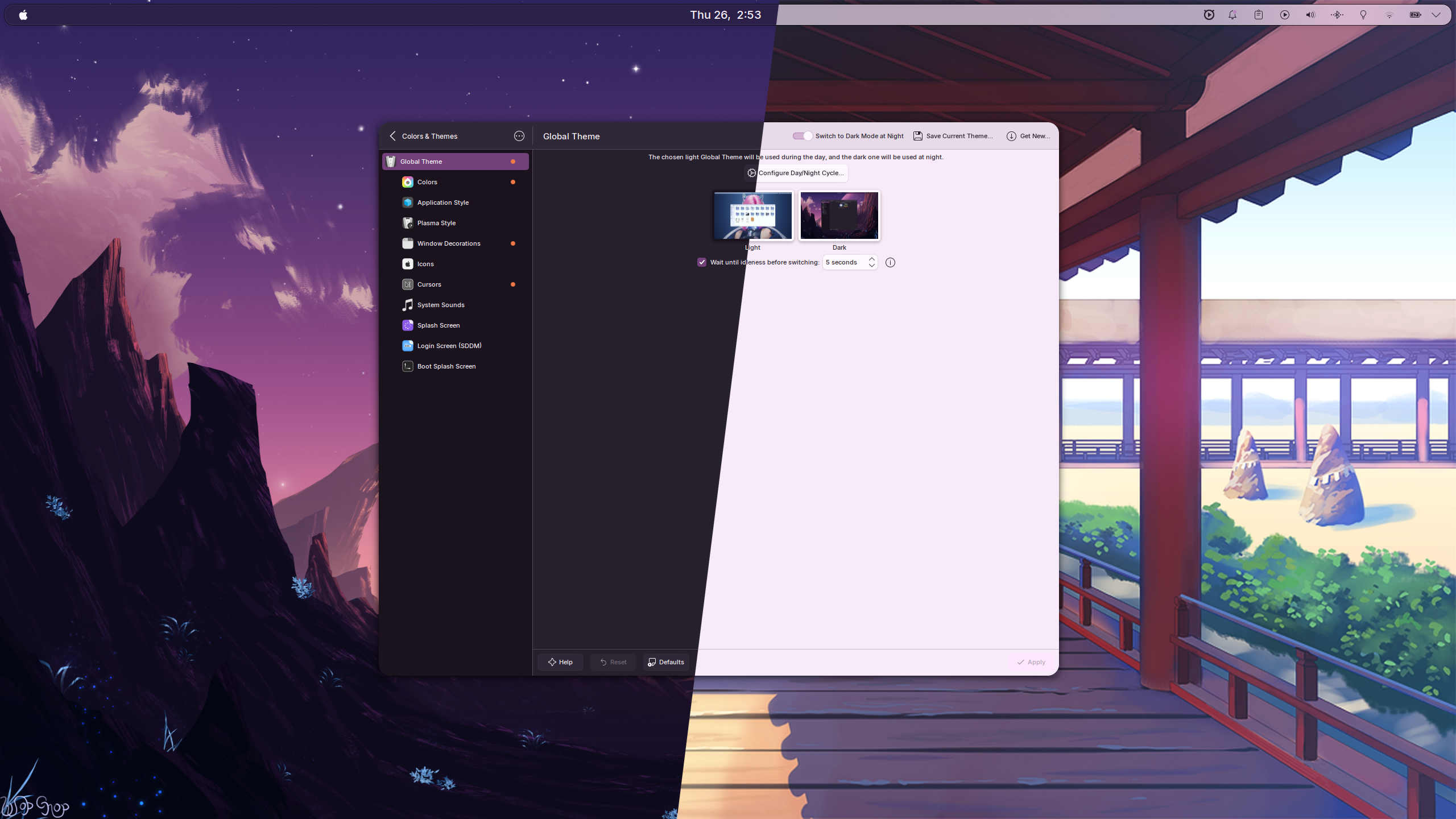
I’ve iterated through a lot of desktop setups over the years: bspwm, i3, XFCE, older Plasma setups, and various half-scripted one-off configurations that were nice for a month and painful to recreate six months later. The current Dotfiles repository is the first one that feels both pleasant to use every day and reproducible enough to survive a fresh install.
The core idea is simple:
- use GNU Stow for normal config files
- use konsave for Plasma state that does not map cleanly to a few tracked files
- keep the desktop tiling-focused without giving up Plasma’s hardware support, Wayland support, notifications, portals, and general ecosystem
Philosophy
KDE Plasma already solves a lot of the hard problems that standalone tiling window managers push back onto the user: display configuration, power management, desktop portals, Bluetooth, notifications, file associations, settings UIs, and solid application compatibility. What I wanted was not to replace Plasma, but to make it behave more like a tiling environment.
Krohnkite is the key piece here. It runs as a KWin script, so you get tiling behavior inside Plasma instead of bolting a different window-management model on top of the desktop.
Quick Setup
The setup is meant to be close to one-shot on a fresh machine.
1. Install required tools
pip install konsaveYou also need stow, since the repo uses stow packages for the ordinary config
files.
2. Install required Plasma packages
On CachyOS or Arch:
yay -S darkly-bin kwin-effect-rounded-corners-git kwin-scripts-krohnkite-git \ colloid-icon-theme-git plasma6-applets-wallhaven-reborn-gitThat set covers the visual layer and the window-management behavior the profile expects:
Darklyfor the Qt application style- rounded corners for softer window edges
- Krohnkite for tiling
- Colloid icons
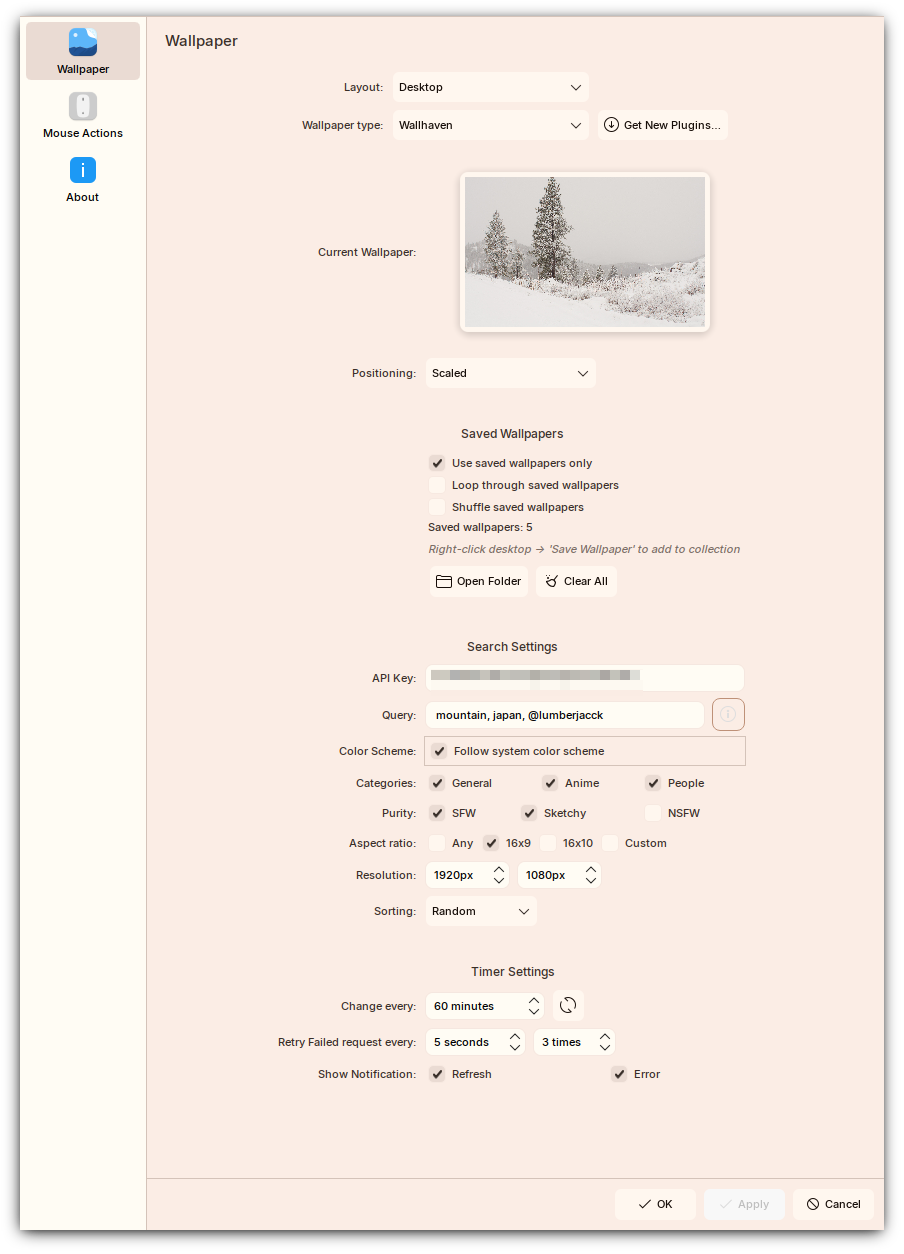
- the Wallhaven wallpaper plugin used by the setup
3. Clone and install
git clone --recurse-submodules https://github.com/Blacksuan19/Dotfiles ~/.dotfilescd ~/.dotfilesbash install.shinstall.sh stows the config packages and then asks whether to apply the
Plasma-Round konsave profile. Answering y restores the full desktop state in
one shot.
4. Bootstrap for a fresh machine
If the machine is truly fresh, run:
~/.scripts/bootstrap.shThat script handles the annoying setup steps you only want to do once:
- interactive git identity setup
- sane git defaults
- chaotic-AUR configuration
- package installation through
yay
The package list is stored in scripts/.scripts/packages-arch.txt, so it is
easy to keep the bootstrap path versioned as well.
What Plasma-Round Restores
The Plasma-Round profile is a snapshot of the full Plasma environment. This is
what makes the repo more than just a pile of dotfiles.
Themes and visuals
| Component | Theme / package |
|---|---|
| Global theme | Dark Mode / Light Mode |
| Plasma desktop theme | Utterly-Round |
| Look-and-feel packages | Dark Mode, Light Mode |
| Window decorations | Darkly |
| Color schemes | BreezeDarkTint, BreezeLightTint |
| GTK themes | Breeze |
| Icons | Colloid-Dark |
| Cursor theme | Layan-white-cursors |
| Fonts | Inter UI and JetBrainsMonoNL Nerd Font |
KWin scripts and effects
| Name | Purpose |
|---|---|
| Krohnkite | tiling window manager behavior |
| Rounded Corners | rounded window corners |
switch-to-previous-desktop |
jump back to the last desktop with Super + Tab |
kwin4_effect_geometry_change |
smoother window geometry animations |
Plasmoids
| Name | Purpose |
|---|---|
com.dv.fokus |
focus and productivity widget |
org.kde.latte.spacer |
panel spacing |
| Wallhaven | wallpaper rotation and saved wallpaper management |
KDE config captured by konsave
The profile restores a wide chunk of ~/.config/, including:
kdeglobalsfor global KDE settingskglobalshortcutsrcfor all global shortcutskwinrcandkwinrulesrcfor compositor, tiling, and per-window rulesplasmarcandplasmashellrcfor panel and shell behaviorplasma-org.kde.plasma.desktop-appletsrcfor applet layout and configbreezerc,ksplashrc,krunnerrc,klipperrc,spectaclerc, and more- GTK 3 and GTK 4 config for cross-toolkit visual consistency
That is the important distinction here: stow handles files that are naturally file-shaped, while konsave captures the larger Plasma state that would otherwise require manual clicking after every reinstall.
Color System and Theme Switching
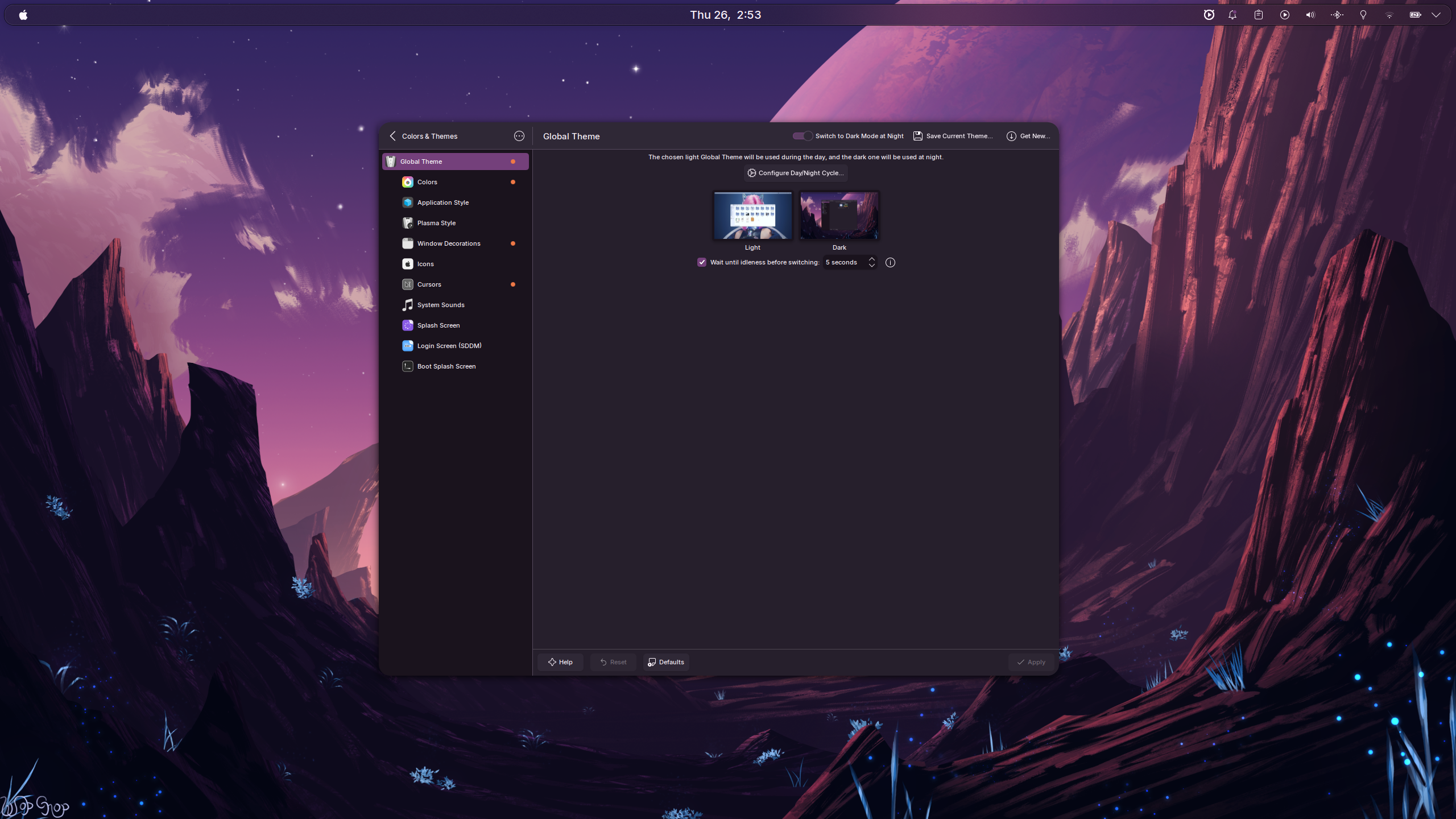
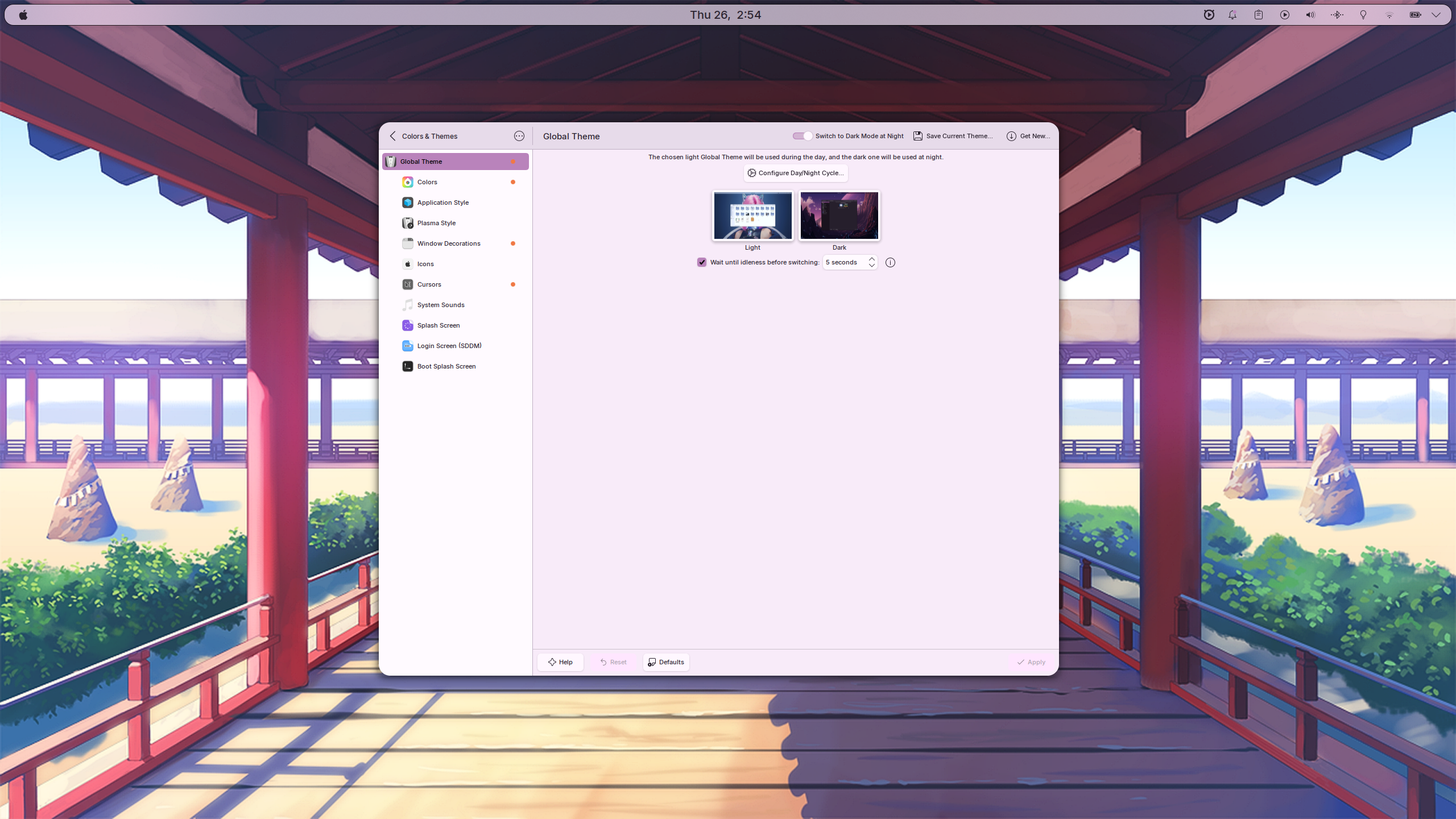
One of the better parts of the setup is that the desktop color behavior is not static. Plasma uses the active wallpaper’s colors to tint the wider desktop, so the accent system updates as wallpapers change.
For code editors and the terminal, the setup uses Ayu in both Light and Dark variants, and switches them with the system theme.
| Mode | Theme | Used by |
|---|---|---|
| Light | Ayu Light | VS Code, Ghostty, Neovim |
| Dark | Ayu Dark | VS Code, Ghostty, Neovim |
The repo also carries two custom global themes, Dark Mode and Light Mode,
which can be toggled manually or tied into Plasma’s automatic scheduling.
| Dark | Light |
|---|---|
 |
 |
Stow Packages
Each top-level directory, excluding screens/, is a stow package mirroring part
of $HOME.
| Package | Target | Contents |
|---|---|---|
zsh/ |
~/ |
.zshrc, plugin setup, aliases, exports |
tmux/ |
~/ |
.tmux.conf, automatic theme switching helpers |
nvim/ |
~/.config/nvim/ |
Neovim config submodule |
ghostty/ |
~/.config/ghostty/ |
Ghostty configuration |
starship/ |
~/.config/ |
starship.toml prompt |
mpv/ |
~/.config/mpv/ |
MPV config |
fusuma/ |
~/.config/fusuma/ |
touchpad gesture config |
systemd/ |
~/.config/systemd/ |
user services |
scripts/ |
~/.scripts/ |
bootstrap and utility scripts |
desktop/ |
~/.local/share/applications/ |
desktop entries |
konsave/ |
~/.config/konsave/ |
Plasma-Round profile |
This is the part I like most structurally: the repo has a clear boundary between generic config packages and KDE-specific desktop state.
Keybindings
All major shortcuts are stored in the konsave profile and restored automatically.
| Shortcut | Action |
|---|---|
Super |
launch KRunner |
Super + Enter |
terminal |
Super + W |
browser |
Super + F |
file manager |
Super + Q |
close window |
Super + Space |
toggle tiling layout |
Super + Shift + F |
float window |
Super + H/J/K/L |
focus left/down/up/right |
Super + 1-9 |
switch to desktop N |
Super + Shift + 1-9 |
move window to desktop N |
Super + Tab |
cycle recent desktops |
Print |
full screenshot |
Shift + Print |
area screenshot |
Super + V |
clipboard history |
Why This Setup Has Stuck
The useful part is not just that it looks good. It is that the whole machine is recoverable. I do not need to remember which hidden config file controls which behavior or spend half a day rebuilding panels, shortcuts, and desktop state.
stow covers the normal config surface. konsave covers the Plasma-specific
surface. Together they make the desktop feel reproducible instead of fragile.